Quick answer
To create a UGC product video with AI, define one buyer problem, one visible product proof, one creator persona, a short spoken hook, a vertical 9:16 format, and a clear final CTA. Use reference images to lock packaging, color, logo and product shape.
A strong UGC ad does not feel like a studio commercial. It feels like a useful recommendation from a real creator, but it still needs the structure of a performance ad.
Start With The Buyer Moment
The best AI UGC video starts before the prompt. Decide the exact buyer situation: someone scrolling before work, comparing skincare products, looking for a fast gift, or trying to solve a daily frustration. That moment decides the hook, tone and camera style.
Avoid generic prompts like 'make a UGC ad for this product'. A better prompt names the audience, the setting and the pain: 'A busy founder films a quick desk setup video showing how this bottle replaced three steps in her morning routine.'
- Audience: who is the viewer?
- Problem: what are they trying to fix?
- Proof: what must be shown on screen?
- Action: what should they do after watching?
Write A Creator Brief
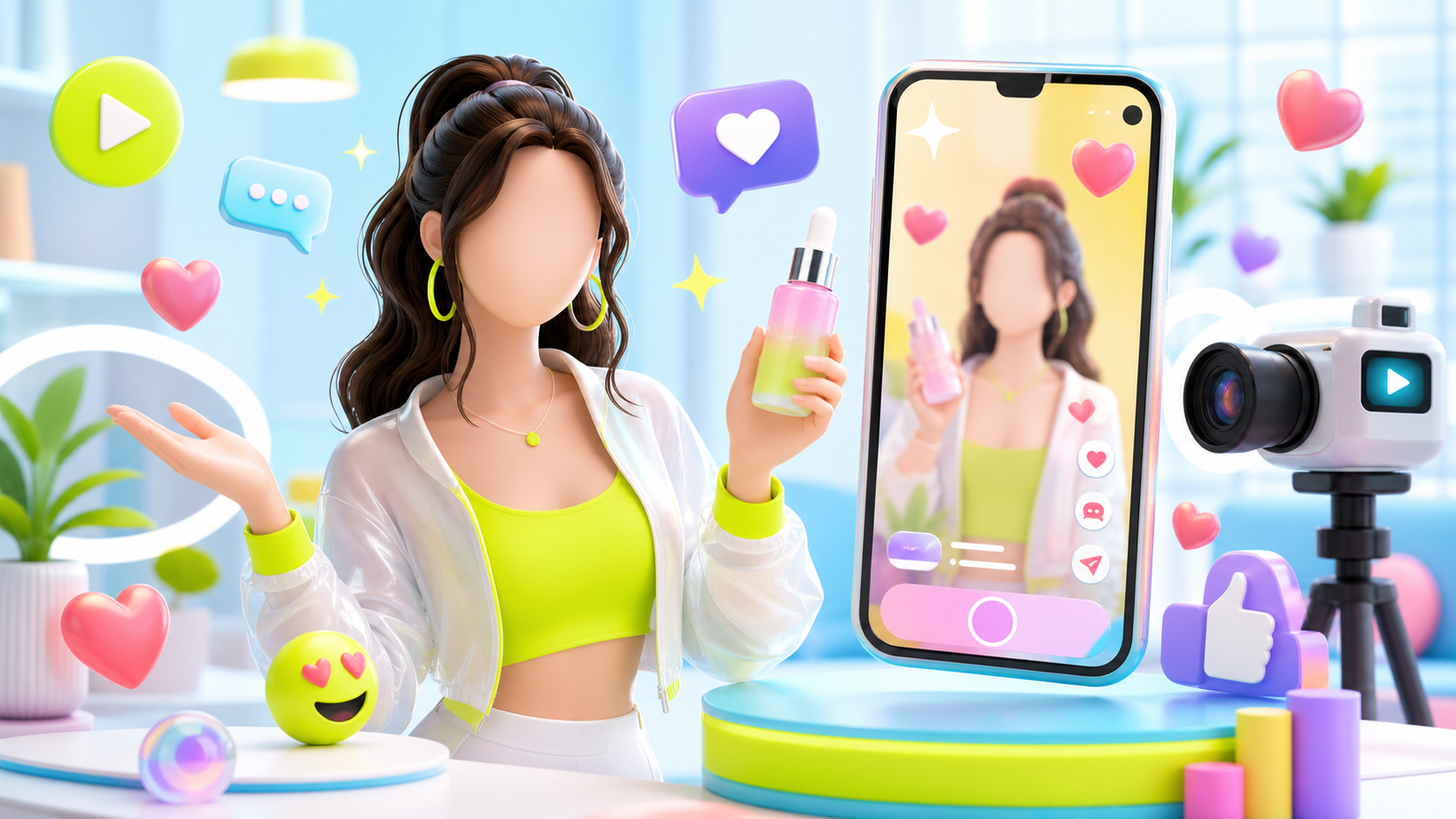
AI influencer and UGC clips work better when the creator is specific. Define age range, energy, wardrobe, filming environment and delivery style. The goal is not a perfect celebrity face; the goal is believable context.
For UGC product video, use phrases like 'natural handheld phone camera', 'speaks directly to camera', 'warm bathroom daylight', 'confident but not over-polished', and 'perfectly synchronized lip movement'.
Show Product Proof
UGC only converts when the viewer sees proof. For a skincare product, show texture and application. For a gadget, show the before-and-after. For a fashion item, show fit, movement and detail. For packaging-led products, keep the label readable in at least one close-up.
In LOVIX AI, upload a product reference image and tell the model exactly what it controls: 'Use Image 1 to preserve the bottle shape, cap color, front label and logo placement.'
- Macro close-up of product texture
- Creator reaction after using it
- Readable hero frame with packaging
- Benefit shown visually, not only spoken
Use A Tight UGC Structure
An 8-second UGC ad needs discipline. Use 0-2 seconds for the hook, 2-6 seconds for product action and 6-8 seconds for payoff or CTA. A 12-second version can add a micro-story, but should still avoid unrelated scenes.
Good hooks are specific: 'I did not expect this to work so fast', 'This fixed the one thing I hated about travel bottles', or 'If your desk looks like mine, try this.'
Prompt Template
Use this structure inside LOVIX AI: 'Vertical 9:16 UGC product video, 8 seconds. A [creator persona] speaks directly to camera in [realistic environment]. Hook: [spoken line]. She/he holds the product from Image 1 close to camera, demonstrates [specific action], shows [visible proof], natural handheld phone movement, upbeat music, subtle product SFX, final CTA: [action]. No subtitles.'
FAQ
What is a UGC product video?
A UGC product video is a creator-style ad that shows a product in a natural, social-first context, usually with a direct hook, product demonstration and CTA.
Can AI create UGC ads from a product image?
Yes. LOVIX AI can use a reference image to guide product identity, packaging, color and product placement inside an AI-generated video.
Create your first UGC product video
Upload a product reference, choose UGC style, write one buyer-focused hook and generate a vertical ad in LOVIX AI.
Sign up for LOVIX AI