Quick answer
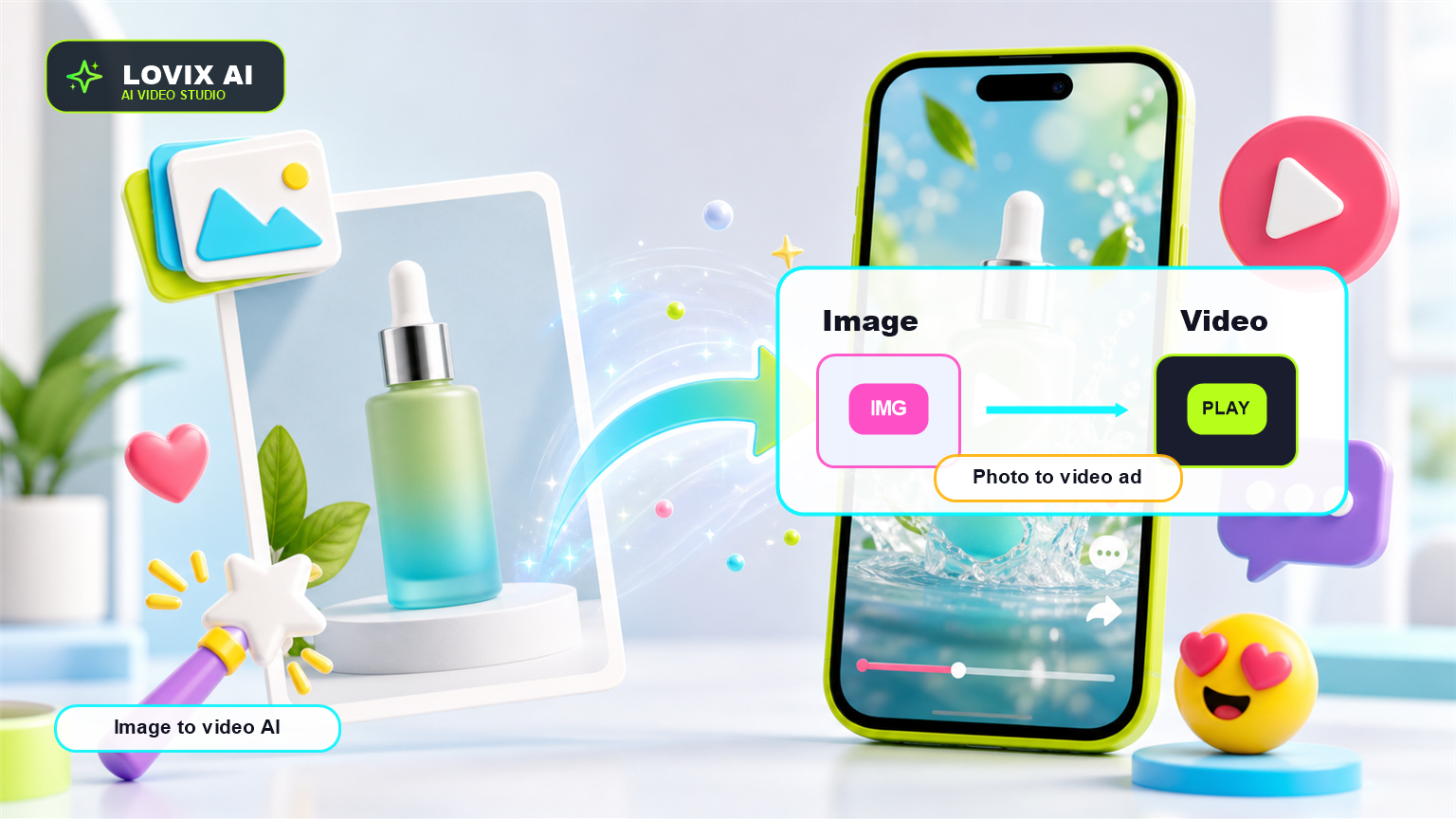
Image to video AI turns a still image into a short AI-generated video by using the image as visual reference and a prompt as motion direction. LOVIX AI can use product photos to create product video AI clips, UGC AI ads, social videos and ecommerce campaign variants.
Image to video AI is one of the fastest ways to turn static product assets into campaign creative. The input can be a product photo, a packshot, a lifestyle image or a creator reference; the output should be a short video with motion, clarity and a commercial purpose.
What Image To Video AI Actually Does
Image to video AI does not simply zoom into a picture. A strong tool uses the still image as a reference for the subject, then generates new frames around that subject with motion, lighting, camera movement and scene continuity.
For product teams, the practical value is speed. A Shopify brand can take an existing product photo and create a vertical paid social concept, a product page clip, a UGC-style demo or a retargeting video without waiting for another shoot.
The important distinction is this: the image controls visual identity, while the prompt controls behavior. If the image is a bottle, the prompt decides whether the bottle is lifted by a creator, rotated on a table, placed in a travel bag or shown in a close-up reveal.
Choose The Right Image Reference
The best image reference is not always the most beautiful photo. It is the clearest photo for the job. If the goal is packaging accuracy, use a clean front-facing product image. If the goal is lifestyle realism, use a photo that shows the product in the environment where it belongs.
Avoid tiny products in busy scenes when the output needs brand accuracy. AI video generation has to infer details from the pixels you provide. A close, well-lit image gives LOVIX AI stronger information about shape, color, logo placement, texture and proportions.
If you have several assets, treat them as separate creative tests. One packshot can become a premium product reveal. One lifestyle shot can become a social ad. One creator photo can become a UGC AI concept.
- Use clean packshots for product accuracy.
- Use lifestyle photos for context and atmosphere.
- Use creator references for UGC AI direction.
- Avoid low-resolution images when labels must stay readable.
- Keep one hero product per image when testing paid ads.
Write Motion Direction In Plain English
A common mistake is uploading a strong product image and writing a vague prompt like 'make this cinematic'. The model needs to know what should move. Should the camera push in? Should a hand pick up the product? Should the product rotate? Should the background change?
Use direct motion language: slow push-in, handheld reveal, macro close-up, product rotation, rack focus, creator lifts the product, package opens, liquid pours, fabric moves, phone screen lights up. Specific motion creates a more usable video.
LOVIX AI prompts should also state what must remain stable. For product ads, say that the product shape, color, label and packaging should stay accurate.
Build The Clip Around A Commercial Moment
Image to video AI becomes more valuable when it is tied to a buying moment. A product reveal can create desire, but a product demonstration creates understanding. A creator reaction can create trust, but only if the product proof is visible.
Before generating, decide the job of the clip: stop the scroll, show how it works, answer an objection, show texture, show size, show fit, show before-and-after or make the product feel premium. That job should appear in the prompt.
A simple structure works: first frame keeps the product recognizable, middle action demonstrates the benefit, final frame gives the viewer a clean product memory.
Image To Video Prompt Template
Use this structure in LOVIX AI: 'Image to video AI, vertical 9:16, 8 seconds. Use Image 1 to preserve product shape, color, label and packaging. Camera starts close on the product, slow handheld push-in, [person/action] demonstrates [benefit], clean lighting, product remains readable, final hero frame with product centered, no distorted logo, no extra text.'
For Shopify products, add the buyer context: 'Designed for a paid social ad for [audience]. The clip should make the product feel useful for [buyer situation].'
How To Review The Output
Do not judge only by visual polish. Review whether the product is accurate, the first second is clear, the motion supports the message and the final frame could work as an ad memory. If the product looks beautiful but the buyer cannot understand it, regenerate with a simpler prompt.
Useful review questions: Is the product visible in the first two seconds? Is the label acceptable? Does the motion add meaning? Would the clip make sense without sound? Does the final frame support a CTA?
FAQ
What is image to video AI?
Image to video AI uses a still image as a visual reference and generates a short video with motion, camera movement and scene action.
Can LOVIX AI turn product photos into videos?
Yes. LOVIX AI can use product photos as references to create AI product videos, UGC AI ads and ecommerce video variants.
What image works best for image to video AI?
A clean, well-lit image with a visible subject works best, especially when product packaging, color or shape needs to stay consistent.
Turn a product image into video
Upload a product photo to LOVIX AI, describe the motion and create an image to video AI ad for your next campaign.
Sign up for LOVIX AI