Quick answer
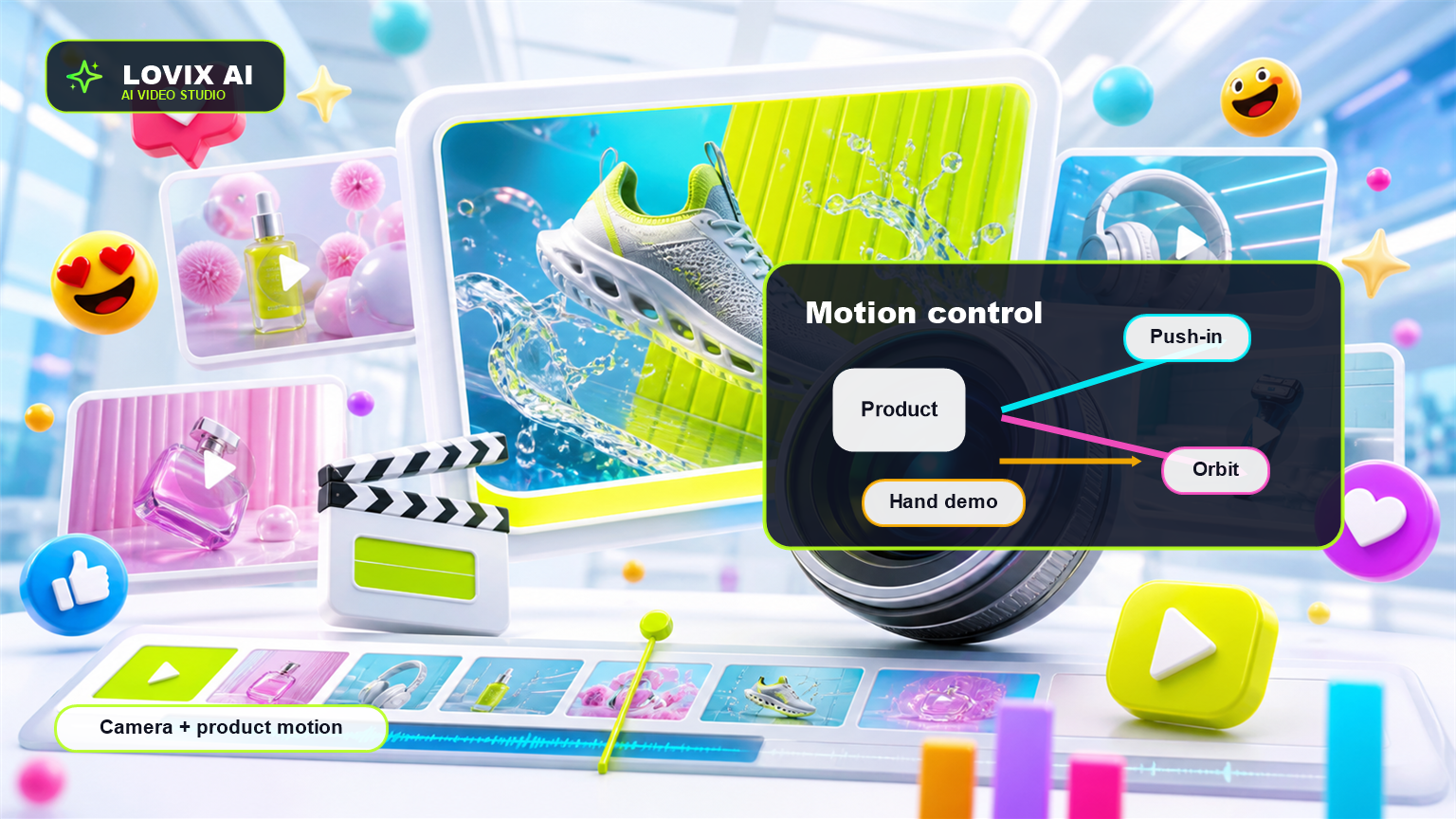
Motion control in AI video means directing camera movement, subject movement, product action and pacing inside the prompt. LOVIX AI can use motion instructions like push-in, orbit, handheld, rack focus, reveal, rotation and close-up demo to create more controlled AI video ads.
Motion control is the difference between a clip that simply moves and a clip that communicates. In AI video generation, the way the camera moves can make a product feel premium, native, practical or confusing.
Why Motion Control Matters
A still product image can tell shoppers what something looks like. Motion can show how it feels, works, opens, fits, pours, stretches, shines or solves a problem. That is why motion control matters for product video AI.
Without motion direction, AI video tools may invent movement that looks interesting but does not help the ad. A product may drift, the camera may over-rotate or the scene may lose the product at the exact moment the viewer needs clarity.
Good motion control gives the video a hierarchy. The camera guides attention. The product action creates proof. The pacing keeps the viewer watching.
Separate Camera Motion From Product Motion
The camera and the product are different moving parts. Camera motion describes how the viewer sees the scene: push-in, pan, orbit, handheld, top-down slide or rack focus. Product motion describes what the product does: rotates, opens, pours, lights up, folds, stretches or gets placed into a bag.
When both are vague, the output can feel unstable. When both are specific, LOVIX AI has a clearer path. Example: 'Slow macro push-in while a hand rotates the bottle once' is stronger than 'make a cool product animation'.
For UGC AI, the camera should often feel imperfect in a controlled way: slight handheld movement, natural framing and quick product lift. For premium product ads, use smoother motion: slow orbit, macro push-in, controlled studio reveal.
Useful Camera Moves For AI Video Ads
Different camera moves create different meanings. A macro push-in makes details feel important. A slow orbit makes a product feel premium. A handheld reveal makes the clip feel native to social. A rack focus shifts attention from the environment to the product.
Choose one main camera move for short videos. Eight-second clips rarely need multiple complicated transitions. The cleaner the movement, the easier it is for the viewer to understand the product.
- Macro push-in: best for texture, labels and materials.
- Slow orbit: best for premium product reveals.
- Handheld selfie: best for UGC AI and creator ads.
- Top-down slide: best for desk, kitchen and unboxing scenes.
- Rack focus: best for moving attention from context to product.
Direct Product Action With One Verb
Short AI video ads work best when the product has one clear action. The product is opened, applied, poured, worn, packed, connected or compared. Too many actions inside one clip can make the output visually busy and harder to use.
A Shopify store selling a travel organizer might prompt 'hand packs three items into the organizer'. A skincare brand might prompt 'creator applies a small amount to the back of the hand'. A tech accessory might prompt 'phone snaps magnetically onto the stand'.
The action should prove the benefit. Do not add movement only because movement is possible.
Motion Control For UGC AI
UGC AI needs motion that feels human. That usually means vertical framing, handheld phone movement, a face-to-camera hook, product lift, close demonstration and natural reaction. The goal is not a perfectly stabilized commercial; the goal is a believable product moment.
Write prompts like a creator brief: 'A creator films handheld, slight camera movement, product appears in the first second, close-up demo, natural reaction, final CTA with product held near face.'
Motion Control Prompt Template
Use this in LOVIX AI: 'AI video ad, 9:16, 8 seconds. Camera motion: [macro push-in / slow orbit / handheld reveal]. Product motion: [one clear action]. Use Image 1 to preserve product accuracy. Keep subject centered, readable and stable. Smooth motion, no random camera spin, no warped product, final frame with product visible.'
For product video AI, add material details. For UGC AI, add creator behavior and natural handheld pacing.
Common Motion Mistakes
The most common mistake is asking for too much: fast zoom, rotating camera, moving background, product action, face movement and text all in the same short clip. The result may look busy but perform poorly.
Another mistake is using cinematic language for every product. A premium fragrance may benefit from a slow orbit. A low-cost Shopify gadget may perform better with a direct handheld demo that shows the product solving a problem.
FAQ
What is motion control in AI video?
Motion control in AI video means directing camera movement, subject movement and product action so the generated video communicates clearly.
Can LOVIX AI control camera movement?
LOVIX AI can follow prompt instructions for camera movement such as push-in, orbit, handheld, rack focus and product reveal direction.
What motion works best for UGC AI ads?
Natural handheld motion, close product framing, quick demonstrations and simple creator movement usually work best for UGC AI ads.
Create controlled AI video motion
Use LOVIX AI to test camera movement, product action and UGC AI pacing in your next product video.
Sign up for LOVIX AI