Quick answer
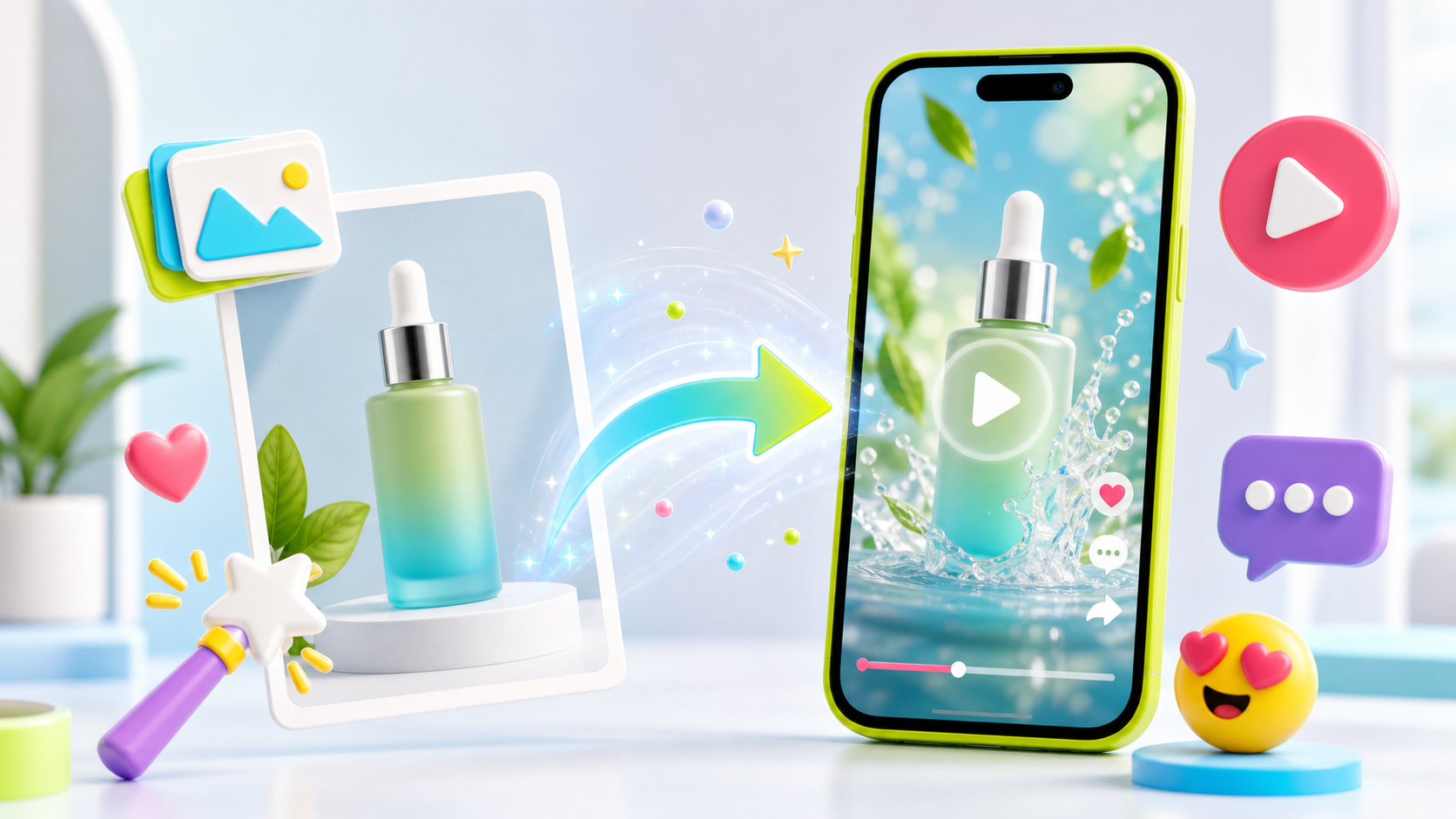
To turn a product photo into an AI video, upload the image as a reference, tell the model what to preserve, define the scene, add camera movement and end with a product hero frame.
A product photo is more than a visual reference. It can control identity, packaging, shape, color and the product details that make an AI video usable for ads.
Tell The AI What The Photo Controls
A vague reference instruction can produce vague consistency. Write exactly what should be preserved: bottle shape, cap color, label area, material, logo placement, product size or color palette.
This turns the image from general inspiration into a production constraint.
Add A Real Use Case
A product photo on its own often becomes a static showcase. Add a use case: a creator holding it, a desk setup, a bathroom routine, a travel pouch, a kitchen counter or a premium studio reveal.
Choose Motion That Fits The Product
Use macro push-ins for texture, hand rotation for packaging, top-down pans for desk products, selfie movement for UGC, and slow orbit for premium products. Motion should make the product easier to understand.
Prompt Template
Try: 'Use Image 1 as the product reference. Preserve the product shape, color, packaging and label placement. Vertical 9:16 AI product video, 8 seconds. Bright social studio, hand lifts product toward camera, macro close-up, quick use-case demo, final hero frame with product centered, upbeat sound, no distorted packaging.'
FAQ
Can a product photo become an AI video?
Yes. A product photo can guide AI video generation by preserving product identity while adding motion, scene context and ad structure.
How do I keep the product consistent?
Use a clear reference image and explicitly state which product details must be preserved.
Animate a product photo
Upload a product image to LOVIX AI and generate a social-ready product video from it.
Sign up for LOVIX AI