Quick answer
A text to video AI generator creates video from written prompts. LOVIX AI works best when the prompt includes format, audience, scene, subject, camera movement, product action, lighting, spoken hook and CTA. Clear prompts create better video AI ads and UGC AI content.
Text to video AI is powerful because a prompt can become a campaign asset. But the quality of the video depends on whether the prompt describes a real scene, a clear action and a useful marketing outcome.
What Text To Video AI Means
Text to video AI turns written direction into moving scenes. The text can describe a product, a creator, a camera move, a setting, a mood, a voice line, a product action and the final ad frame.
For marketers, this changes the creative workflow. Instead of waiting for a full production cycle, a team can write several campaign angles and generate video variants for review.
The prompt becomes the bridge between strategy and production. A vague prompt creates a vague clip. A clear prompt creates a video with a job.
Use A Production Brief Structure
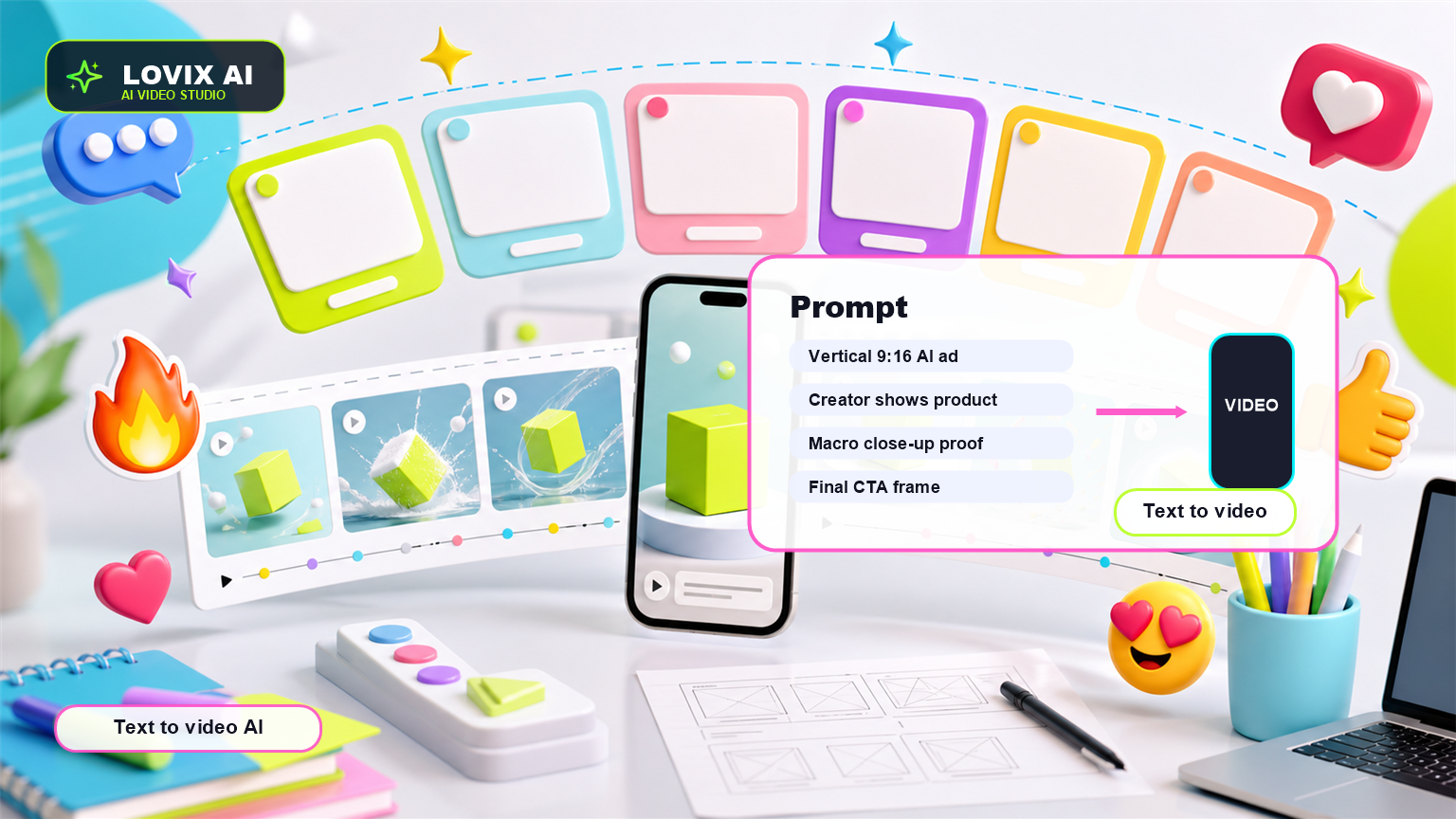
The best text to video prompts are not poetic paragraphs. They are compact production briefs. They tell LOVIX AI what the clip is, who it is for, what happens, how the camera moves and what the viewer should remember.
A strong structure is: format, duration, subject, setting, action, camera, lighting, product reference, spoken line and CTA. You do not need every element every time, but missing the action usually weakens the output.
Example: 'Vertical 9:16 AI video ad, 8 seconds. A creator in a bright kitchen shows the product from Image 1, says the hook, demonstrates one use case, handheld phone camera, natural daylight, final CTA with product centered.'
Write For One Viewer And One Moment
Text to video AI performs better when the prompt names the buyer moment. A busy parent, a Shopify store owner, a skincare buyer and a fitness customer all need different scenes.
Instead of 'make a product ad', write 'create a paid social ad for shoppers who want a faster morning routine' or 'create a UGC AI video for someone comparing travel accessories before a weekend trip'.
The more specific the moment, the easier it is for the generated video to feel relevant.
Add Constraints That Protect The Output
Constraints help prevent messy AI video outputs. If a product should stay accurate, say so. If the label should not change, say so. If the video should not include captions, extra text or distorted logos, say so.
Useful negative constraints include: no extra text, no fake subtitles, no warped logo, no random products, no fast spinning camera, no scene cuts that hide the product.
- Preserve product shape and packaging.
- Keep the subject centered and readable.
- Use one clear scene instead of many quick scenes.
- Avoid extra text unless the design requires it.
- End with a clean product hero frame.
Text To Video For UGC AI
For UGC AI, the prompt should include the exact spoken hook. The first sentence matters because it sets the tone and gives the creator a reason to be on camera.
Good hook examples: 'I did not expect this to make mornings easier', 'This fixed the one thing I hated about packing', or 'If your desk gets messy by noon, this is worth seeing.'
Keep UGC AI prompts conversational. A creator should not sound like a corporate landing page.
Text To Video Prompt Template
Use this template in LOVIX AI: 'Text to video AI ad, [format], [duration]. Audience: [buyer]. Scene: [setting]. Subject: [creator/product]. Action: [one visible product proof]. Camera: [movement]. Lighting: [style]. Spoken hook: [line]. Product reference: use Image 1 to preserve [details]. Ending: [CTA]. Avoid [constraints].'
This template works for product video AI, Shopify ads, UGC AI clips and landing page videos because it gives the model enough structure to generate useful creative.
How To Turn One Prompt Into A Campaign Set
After one strong prompt works, create variants by changing only one major element: the hook, buyer, setting, product proof or CTA. This keeps the creative test readable.
For example, one product can have a problem hook, curiosity hook, objection hook, founder hook and social proof hook. LOVIX AI can turn each into a different text to video AI variant while keeping the product reference stable.
FAQ
What is a text to video AI generator?
A text to video AI generator creates video scenes from written prompts that describe the subject, action, style, camera movement and output format.
Can LOVIX AI create videos from text prompts?
Yes. LOVIX AI can generate AI videos from text prompts and can also use reference images when product accuracy matters.
How do I write a better text to video prompt?
Include format, audience, scene, subject, action, camera movement, lighting, product reference, spoken hook and CTA.
Write a prompt and generate a video
Use LOVIX AI to turn a text prompt into a product video, UGC AI ad or social video variant.
Sign up for LOVIX AI